Restock remembers when you buy what, and automatically puts products back
on the list once they're typically used up. With stores, categories,
and shared lists for family or roommates.
Restock remembers when you buy what — and automatically puts used-up items back on the list before you run out at home. You type, scan, or share via code. The list figures out the rest.
A quick tour
This is the real app.
01
Type it. Done. Sorted.
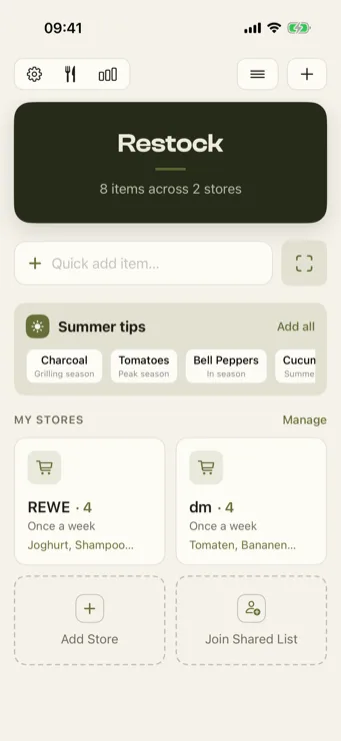
Just type "oat milk" or "1kg tomatoes" into quick-add — Restock recognizes the quantity and category and automatically assigns the product to the right store.
Quick addAuto categoriesQuantity chips
02
A list that sorts itself.
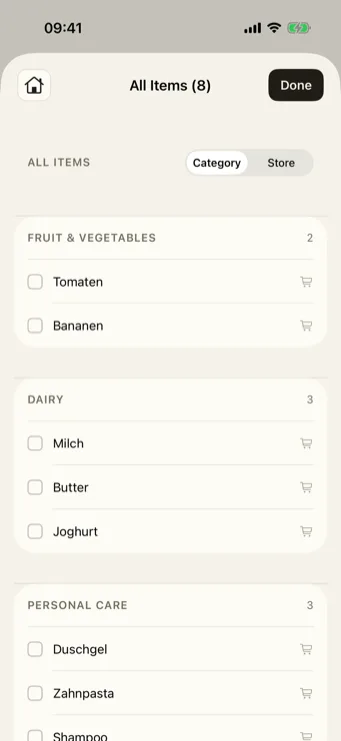
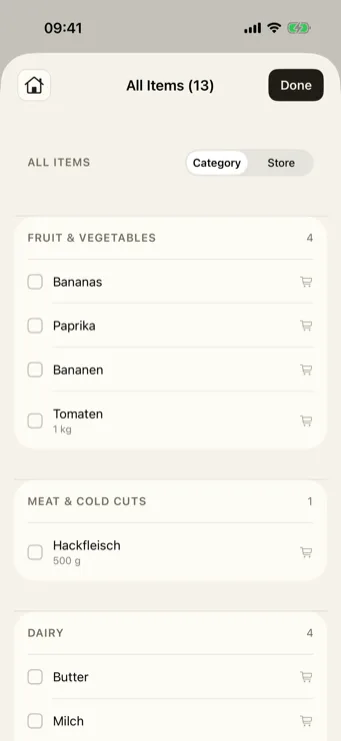
All items grouped by category like Fruit & Vegetables — with quantity, store assignment, and a tap to check off while shopping. And one tap switches the view: by store or by category.
By storeBy category
03
Your stores, your rhythm.
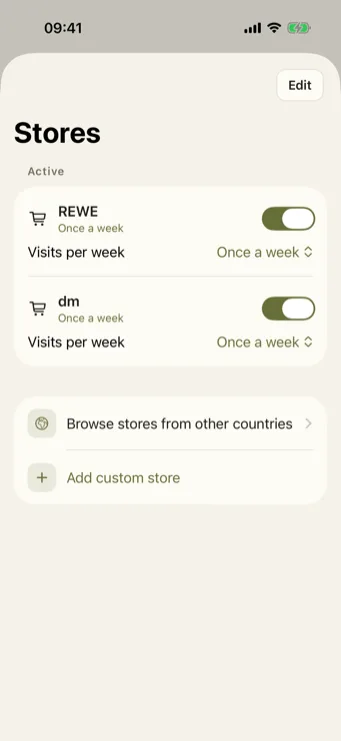
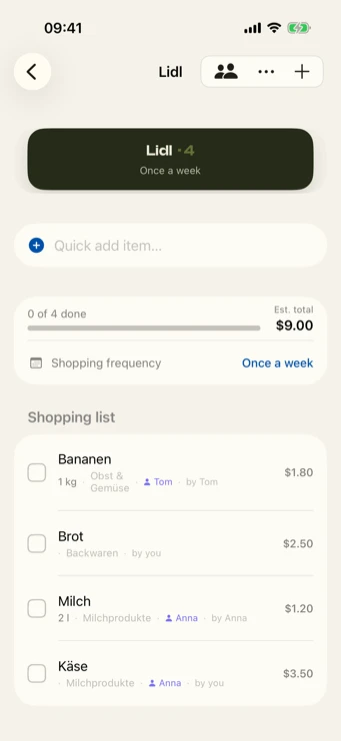
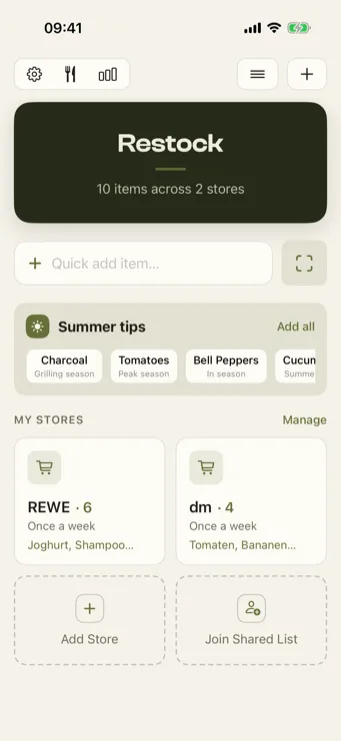
Set up your stores — the supermarket, the drugstore, or the corner shop — and how often you visit. Restock plans automatic restocking around your shopping rhythm.
Custom storesVisits per week
And more
Who's grabbing what?
Assign products in shared lists to specific people and flag urgent items — see at a glance who's got what covered. Sharing works via code or link, with family or roommates, no account needed.
Used up? It comes back.
Products that get used up regularly land back on your list automatically after a while.
Type a dish. Get the ingredients.
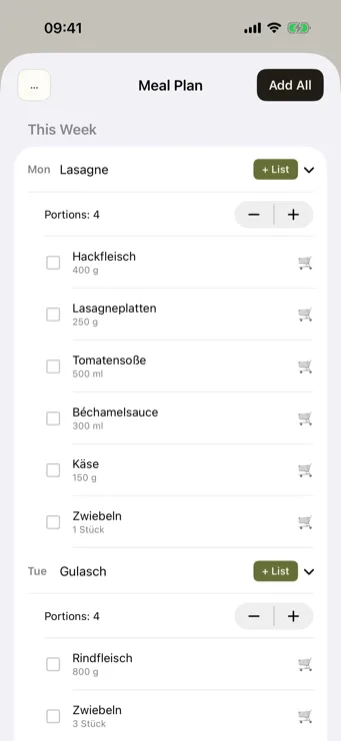
Just enter a dish for each day of the week — Restock automatically recognizes the ingredients and adds them to your list with one tap. Recipes can be saved and reused next time.
By store or category.
The full list grouped however you're thinking: by your stores — or, with one tap, by category like Fruit & Vegetables, Meat, and Dairy.
Scan instead of typing.
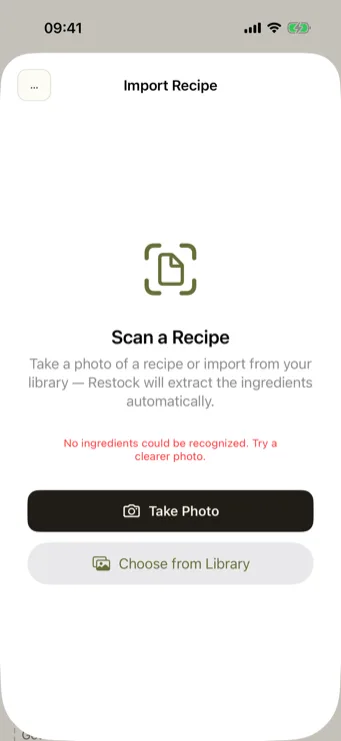
Barcodes for quick product recognition — or photograph a recipe, and the ingredients are recognized automatically.
Stay in view.
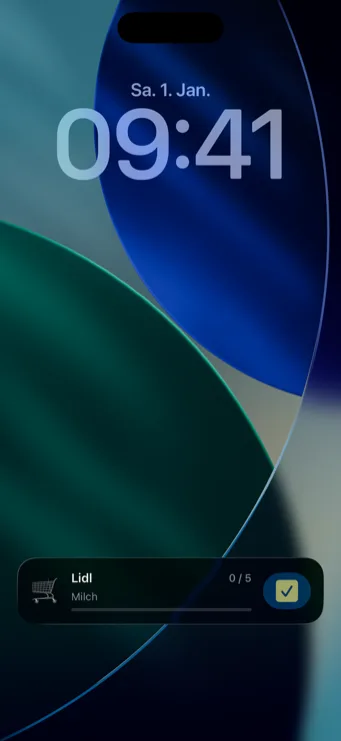
Open items from your shopping list right on the Lock Screen or in the Dynamic Island — plus seasonal suggestions with Pro.
Restock. Coming soon to the App Store.
Used-up items come back on their own.
Lists you share.
Scan instead of type.
RESTOCK
💎
Restock Pro & add-ons
Restock offers several purchase options: a Pro monthly subscription, a Pro annual subscription,
a Pro lifetime purchase, and a separate "Shared Lists" add-on
as a one-time purchase. Exact prices, terms, and cancellation conditions are in the
terms of service (German only).
🔒
How list sharing works
Shared lists work via a code or link you pass on — no account is required.
Anyone who knows the code or link can view and edit the list. Details on the data processed
(including device name, list contents) are in the
privacy policy (German only).
Never stand empty-handed in front of the shelf again.